
Adobe Photoshop
Adobe Photoshop is the raster graphics editor from Adobe for photo retouching and image editing. Version 2026 27.10 installs as a trial on Windows.
2.4 MB

Adobe Lightroom Classic is Adobe's desktop application for organising and editing large photo libraries on a Windows PC.
Average 0.0 · ratings: 0
Thank you! Your rating is saved; you can change it. Could not save the rating. Please try again later. Too many ratings from your network today. Please try again tomorrow. The average appears after 5 ratings.
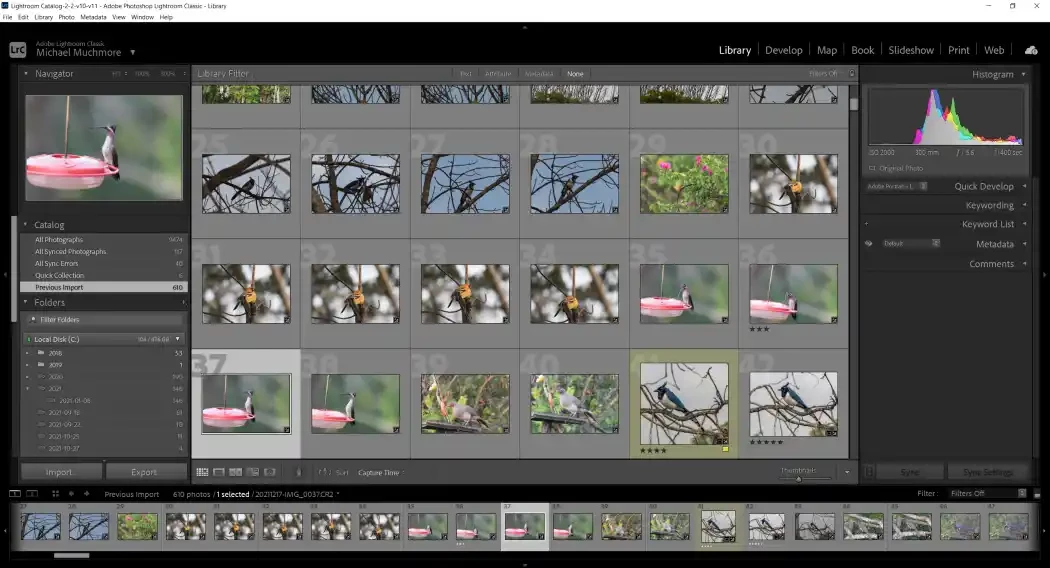
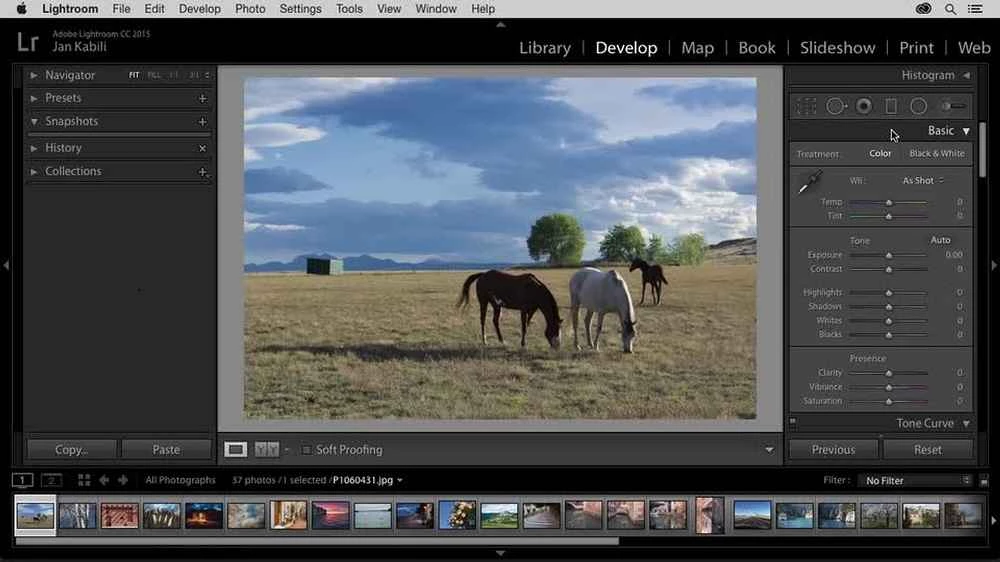
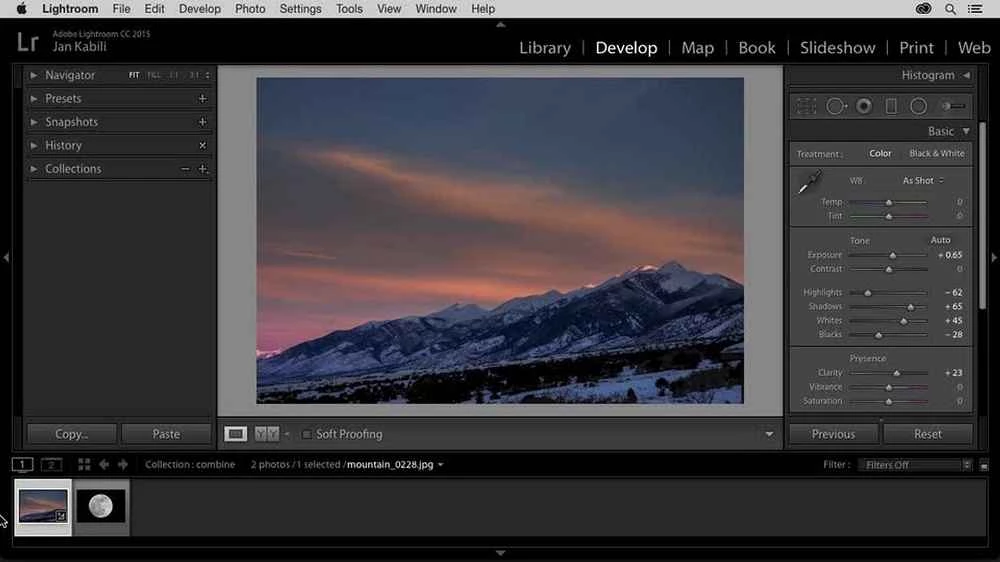
Adobe Lightroom Classic 2026 (version 15.4) is Adobe's desktop application for organising and editing photos on Windows. Photographers use it to import shoots, sort and rate images and develop them without changing the original files; you can download Lightroom Classic from adobe.com and start with a trial.
| Parameter | Value |
|---|---|
| Version | 2026 15.4 |
| Developer | Adobe |
| Platform | Windows (also macOS) |
| Licence | Paid, trial available |
| Installer | about 2 MB according to catalogue data (a small starter file) |
Lightroom Classic is built around a catalogue of your photos stored on the computer. Instead of opening files one by one, you import a whole card or folder, add keywords and ratings, and then edit in a separate module where every change is saved as a set of instructions rather than applied to the original. That approach suits photographers who shoot a lot and need order: wedding and event photographers, travel enthusiasts with years of archives, and studios that prepare many similar images at once. Settings from one photo can be copied to hundreds of others, which saves hours on a large shoot. Recent versions also include AI-assisted tools such as Denoise, Lens Blur and Reflection Removal, which rely on a capable graphics card. If you only edit a few phone photos a month, a simpler editor is a better fit.
| Component | Minimum | Recommended |
|---|---|---|
| Processor | Intel or AMD, 2 GHz or faster with SSE 4.2 and 64-bit support; ARM via emulation | — |
| Operating system | Windows 10 version 22H2 or Windows 11 version 21H2 or later | — |
| RAM | 8 GB | 16 GB or more |
| Storage | 8 GB free plus space for installation | Fast SSD |
| Graphics | DirectX 12 GPU with 2 GB of memory | 4 GB for 4K displays; 8 GB dedicated or 16 GB shared memory for full GPU acceleration and AI features |
The full list is on Adobe's requirements page.
Lightroom Classic is a paid product with a trial period. Download it only from adobe.com: cracked copies from other sites are a common source of malware, and they do not receive updates. Back up your catalogue regularly, because it holds all your edits and keywords.
Free options in our listings include GIMP and Photoscape; for detailed retouching, Adobe Photoshop.
Adobe Photoshop is the raster graphics editor from Adobe for photo retouching and image editing. Version 2026 27.10 installs as a trial on Windows.

Adobe Illustrator Online refers to using Adobe's vector design tool through the browser and Adobe's web services, with an Adobe account and plan.

Adobe Illustrator is Adobe's vector graphics editor for logos, illustrations and print design. This page covers Illustrator CC 2026, version 30.8, for Windows.

PicWish is an AI photo editing app for Windows that removes backgrounds, cleans up images and prepares product photos with a few clicks.

PixelLab is an Android app from App Holdings for adding text, stickers and effects to photos; on a Windows PC it runs through an Android emulator.

Adobe Photoshop CS6 is an older perpetual-licence version of Adobe's image editor for Windows; Adobe no longer sells or updates it, and today's Photoshop is subscription-based.